AI-Powered Learning Revolution

Where Movement Meets Magic

Transform your classroom into an interactive AI playground. Multisensory movement-based learning that makes kids jump for joy—literally!

psychology

AI Analysis

98% Engagement

verified

Progress

Learning Streak 🔥
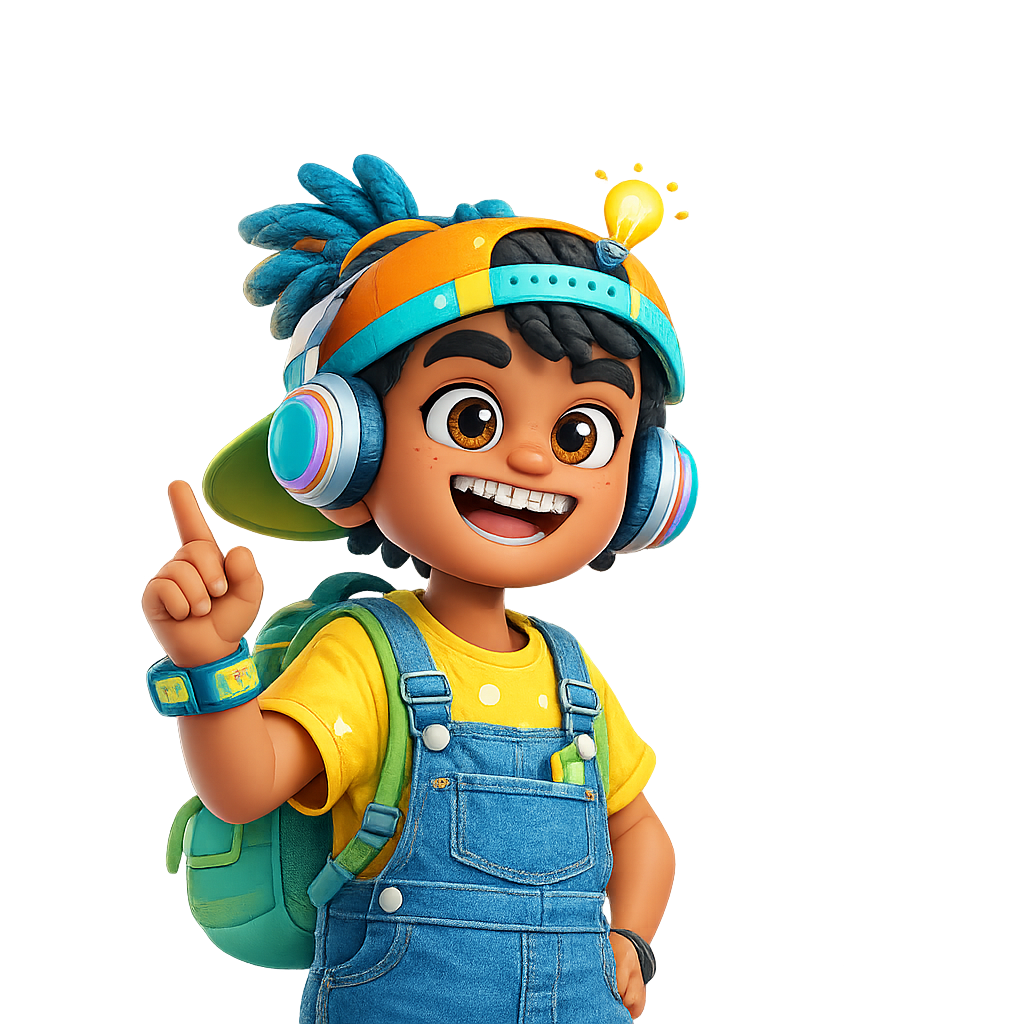
Playful Learning Character
school Schools & Preschools

Create joyful learning spaces with movement-first play

Perfect for classrooms, nurseries, and early learning centers that want interactive lessons, better engagement, and a fun way to introduce AI-based activities to young minds.

sports_esports

Active Learning

Kids move, play, and learn at the same time.

smart_toy

AI-Powered

Vision-based games make each activity feel magical.

groups

Group Friendly

Ideal for classrooms, assemblies, and play corners.

B2B learning showcase

B2B

Engaging solutions for learning partners

B2B school and preschool experience

Partners

Flexible for schools, preschools, and centers

Interactive B2B learning experience

Growth

A modern, playful path to engagement

Interactive Learning

Choose Your AI Adventure

Explore our vision-based games that turn every movement into a learning moment

Math Quest Character

Egg Game

Vision AI English
Science Explorer

Plant Power

Vision AI Science
Word Jungle

Marble Madness

Vision AI Colors
Why Kalqy?

Learning That Moves With Them

Kalqy is an AI-powered interactive learning platform designed specifically for children between the ages of 3 and 5. Unlike traditional educational apps that rely on tapping and swiping, Kalqy encourages children to learn through movement, imagination, and real-world interaction.

Using computer vision and body tracking, children become part of the story. They jump, reach, balance, point, clap, and solve challenges with their whole body—every activity designed to improve both cognitive and physical development while keeping learning fun.

Kalqy transforms screen time into active learning time, helping children develop essential life skills through play rather than passive content consumption.

psychology

Cognitive Development

Interactive games that strengthen a child's thinking abilities, growing in complexity at an age-appropriate pace.

Memory retention Attention span Logical reasoning Problem solving Pattern recognition Decision making
sprint

Physical Development

Instead of sitting still, children actively move through every lesson—promoting healthier screen habits and motor growth.

Hand-eye coordination Gross motor Balance Body control Bilateral coordination Reaction speed Spatial awareness
volunteer_activism

Emotional & Social Growth

Friendly characters celebrate every achievement, building confidence and making learning rewarding instead of stressful.

Patience Perseverance Empathy Self-confidence Emotional regulation Curiosity
palette

Creativity & Imagination

Magical worlds where children help animals, solve mysteries, and restore nature—learning by doing, not memorizing.

Exploring Experimenting Storytelling Creative thinking Observation
auto_stories

Learning Across Multiple Skills

Kalqy weaves learning naturally into gameplay, so it never feels like homework—it feels like an adventure.

Alphabet Phonics Vocabulary Numbers Counting Shapes Colors Matching Memory Science basics Nature Music Rhythm Problem solving
favorite For Parents

Why Parents Love Kalqy

Parents receive meaningful insights that go beyond simple scores—so you can see exactly how your child is growing.

insights Learning progress
directions_run Motor skill improvement
psychology Cognitive development
timeline Session activity
workspace_premium Skill mastery
bolt Strengths
target Areas needing practice
emoji_events Milestone achievements
Experience Future Learning

HOW IT WORKS

Transform any classroom into an interactive AI playground. No fancy hardware required—just a webcam and a dream.

1
sports_esports

Games Selection

Select appropriate games based on NEP goals and individual student needs.

2
monitoring

Real-time Analytics

Get performance visualizations while students exercise and learn with games.

3
bolt

Optimization

Fine-tune difficulty levels to keep students perfectly engaged with their goals.

4
description

Export & Share

Monitor goals and export documentation to share with parents and admins.

5
devices

Universal Access

Access student data from any device at any time using your web browser.

BEHIND THE MAGIC

Meet Our Creators Team

We're a group of playful thinkers and AI enthusiasts dedicated to making learning the most fun game in the classroom.

Arun

Founder & CEO

Arun

Arun

Founder & CEO
Serial Entrepreneur,ACCA,MBA IIM Ranchi

Prince

COO

Prince

Prince

COO
Serial Entrepreneur, Btech EEE

Abhiraman G

CTO

Abhiraman G

Abhiraman

CTO
Serial Entrepreneur, MSC cs

Ready to Transform Your Classroom?

Get a free demo and see how Kalqy can revolutionize learning through AI-powered movement.

Kalqy tortoise character Book Kalqy now
Game Character
stars Level 1-5
AI Vision Game
star star star star star

Game Title

rocket_launch The Mission

Game description goes here

psychology Learning Power-ups

extension
Problem Solving
bolt
Improves Reflexes
visibility
Spatial Awareness

Student Dashboard

Track your learning progress and achievements

local_fire_department

Daily Streak

12 Days

emoji_events

Top Score

24,500

trending_up

Progress

78%

Recently Played

calculate

Math Quest

Vision AI • Mathematics

science

Science Lab

Vision AI • Science

menu_book

Word Jungle

Vision AI • Language

Weekly Goal

Master Fractions

15/20 XP

75% Complete

Install Kalqy on your Mac

Takes less than a minute

The first time you open Kalqy, macOS may block it — this is a standard safety check for apps downloaded outside the App Store. Here's how to allow it:

  1. 1

    Pick your Mac's build & download — choose Apple Silicon (M series) or Intel, then open the downloaded file and move KalqyGames to your Applications folder.

    Not sure which one? Click the Apple menu  → About This Mac. If "Chip" says Apple M1/M2/M3/M4 → choose Apple Silicon. If it shows an Intel processor → choose Intel.
  2. 2

    Blocked on first launch? You may see this message — don't worry, just close it:

    "KalqyGames" was blocked to protect your Mac.
    Apple could not verify "KalqyGames" is free of malware…
  3. 3

    Open System Settings — click the Apple menu  → System Settings, then choose Privacy & Security in the sidebar.

  4. 4

    Click "Open Anyway" — scroll down to the Security section. Next to the KalqyGames message, click Open Anyway, then confirm with your password or Touch ID.

  5. 5

    Allow camera access & play! — when Kalqy asks to use your camera, click Allow. The movement games use it to see you play.

lightbulb

Shortcut: you can also Control-click (right-click) KalqyGames in Applications and choose Open → Open to skip straight past the warning.